
A Deployment in Pictures
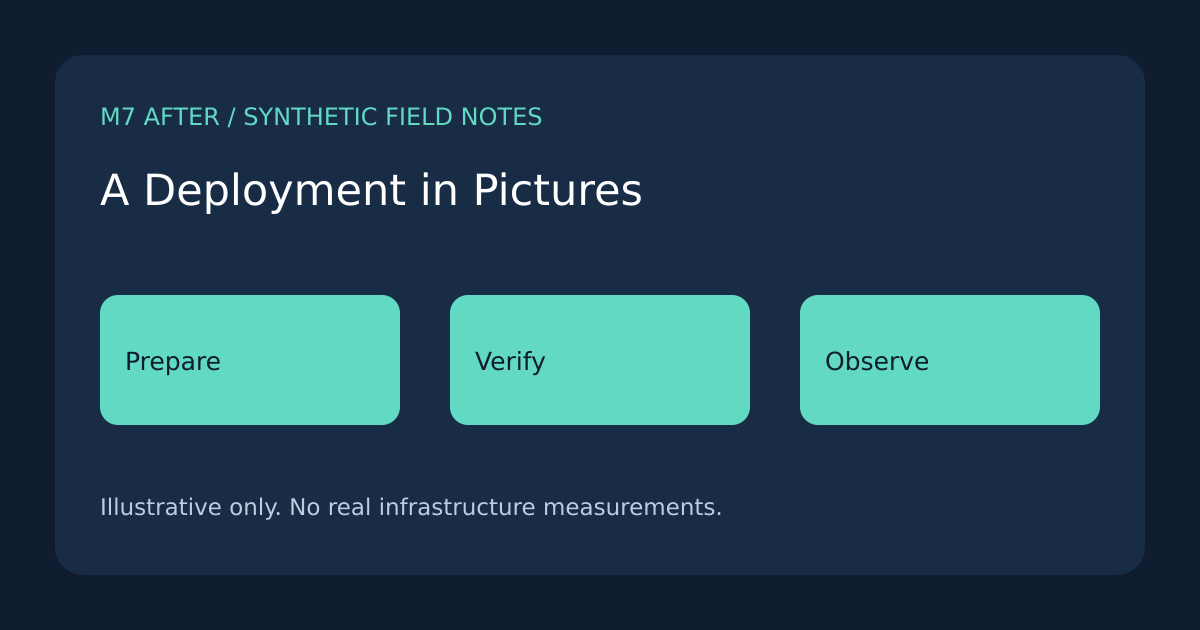
Read a visual walkthrough of a synthetic deployment without changing any environment.
A Deployment in Pictures
A release story is easier to read when preparation, verification, and observation remain separate. This article uses locally generated synthetic illustrations; it does not start a deployment.
Prepare a candidate
The cover groups three conceptual steps. The first is to prepare a candidate with a clear identity. The next is to verify the intended behavior. Finally, observe what actually runs.
flowchart LR
A[Prepared source] --> B[Verified candidate]
B[Verified candidate] --> C[Observed result]
Keep evidence distinct from intention
A successful build describes an artifact. A successful deployment describes a particular environment. A readable page describes what a visitor can retrieve now. None should silently replace the others.
Inspect the page
- Compare the cover with the inline illustrations.
- Read each image's caption.
- Narrow the browser and inspect the diagram.
- Follow a related article and return using normal browser navigation.
The same conceptual pipeline appears in Inside a Request Pipeline. The cache comparison offers a different presentation using a table and chart.
What the pictures leave out
These are original diagram materials built for this collection. They contain no real host names, credentials, personal data, or third-party screenshots. A real release still needs its own authority and evidence.